

Download SwiftTabs – Keyboard shortcut manager for Firefox tabs
Overview
SwiftTabs is a lightweight Firefox extension designed for users who prefer navigating the web with the keyboard rather than the mouse. While Firefox already includes built‑in shortcuts such as Ctrl + 1‑8 to jump to specific tabs, SwiftTabs expands this capability by allowing you to assign any key combination you like to common tab actions: move left, move right, close the current tab, or reopen a recently closed one. This flexibility makes tab management faster and more ergonomic, especially for power users, developers, writers, and anyone who spends long hours in the browser.
The extension is free, open‑source, and integrates seamlessly into Firefox’s existing UI, adding a small toolbar icon that opens a concise configuration window. SwiftTabs respects your existing shortcuts, letting you avoid conflicts by customizing each command individually. Because it works entirely within the browser, there’s no extra software to install, and updates are handled through the standard Firefox Add‑ons store, ensuring you always have the latest security patches and feature enhancements.
Whether you’re juggling dozens of research tabs or simply want to close a tab without reaching for the mouse, SwiftTabs turns the keyboard into a powerful tab‑control hub.
Key Features of SwiftTabs
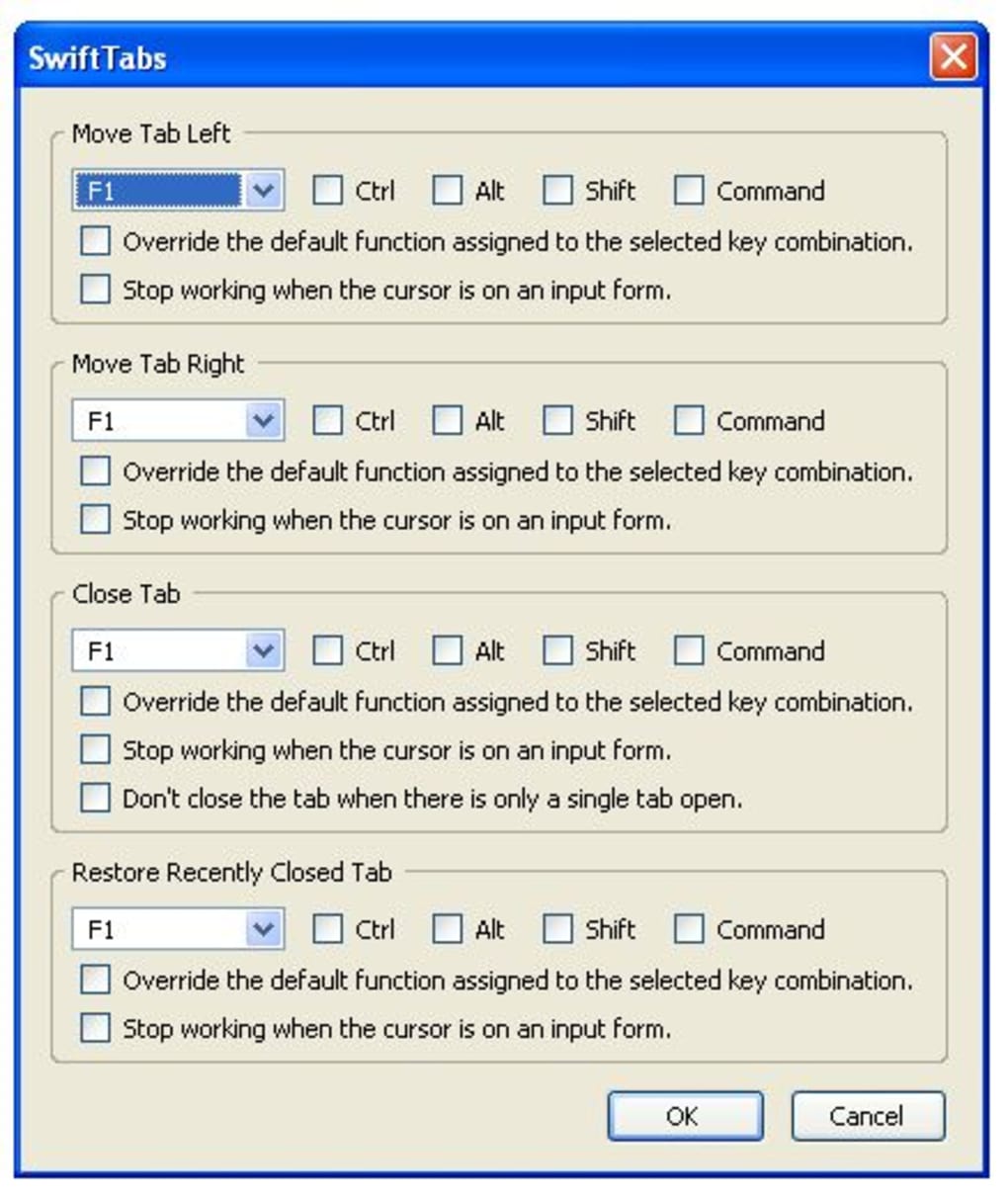
- Customizable Shortcut Mapping: Assign any key combination (including modifier keys like Ctrl, Alt, Shift, or Cmd) to move left, move right, close, or reopen tabs.
- Conflict‑Aware Configuration: The settings panel warns you if a new shortcut overlaps with existing Firefox or system shortcuts.
- Instant Tab Switching: Navigate between tabs with a single keystroke, eliminating the need to count tab positions.
- Lightweight and Fast: The extension adds only a few kilobytes to Firefox’s memory footprint and runs without noticeable latency.
- Cross‑Platform Support: Works on Windows, macOS, and Linux versions of Firefox, handling OS‑specific key codes automatically.
- Automatic Updates: Receives regular updates via the Firefox Add‑ons store, ensuring compatibility with new Firefox releases.
- Simple UI: A single icon on the toolbar opens a clean, modal dialog where you can edit shortcuts, reset to defaults, or export your configuration.
- Open‑Source Transparency: Source code is publicly available on GitHub, allowing the community to audit, contribute, or fork the project.
Each of these features targets a specific pain point for keyboard‑centric users. For example, the conflict‑aware system prevents accidental overriding of essential shortcuts like Ctrl + T (new tab) or Ctrl + W (close tab), while the export option lets you back up your custom layout and import it on another machine. SwiftTabs also respects Firefox’s native “Tab Groups” and works seamlessly with other extensions that modify the tab bar, making it a versatile addition to any browser workflow.
Installation, Compatibility & Usage Guide
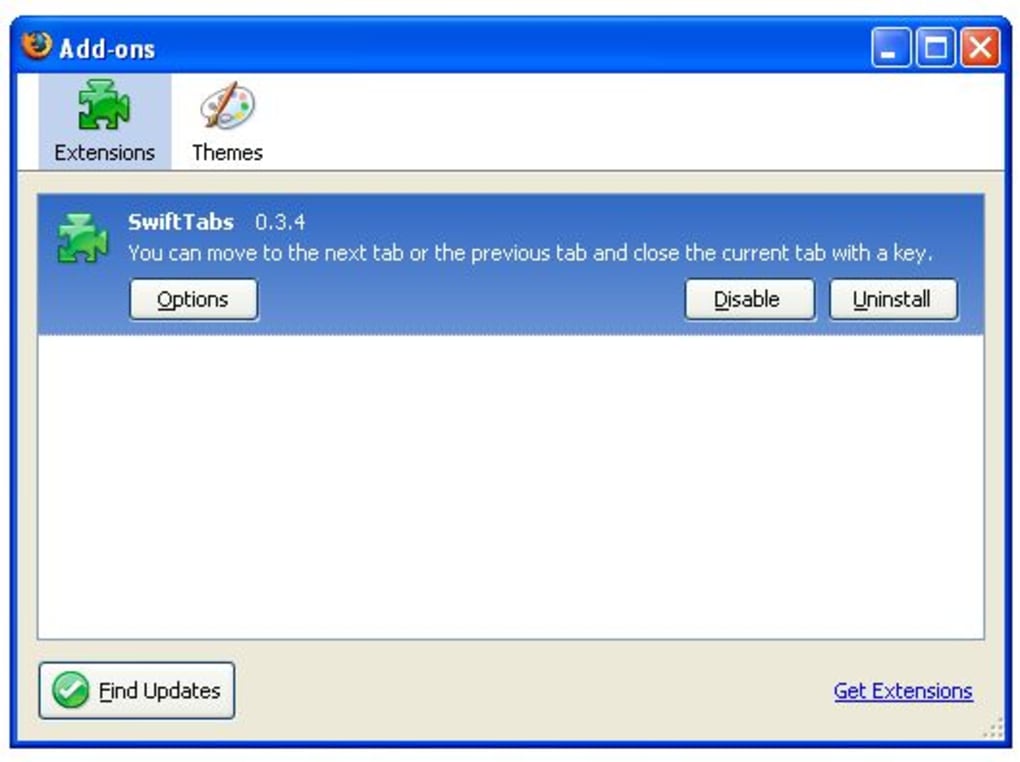
Installing SwiftTabs is straightforward. Open Firefox, navigate to the official SwiftTabs page on the Mozilla Add‑ons store, and click the “Add to Firefox” button. Firefox will prompt you to confirm the permissions required (access to your tabs and the ability to read/write shortcut settings). Once approved, the extension downloads and installs automatically, adding a tiny “S” icon to the right side of the toolbar.
Operating System Compatibility (itemprop="operatingSystem"): SwiftTabs runs on all major desktop platforms that support Firefox:
- Windows 10, 11 (64‑bit)
- macOS 12 Monterey and later
- Linux distributions with Firefox 78+ (including Ubuntu, Fedora, Debian)
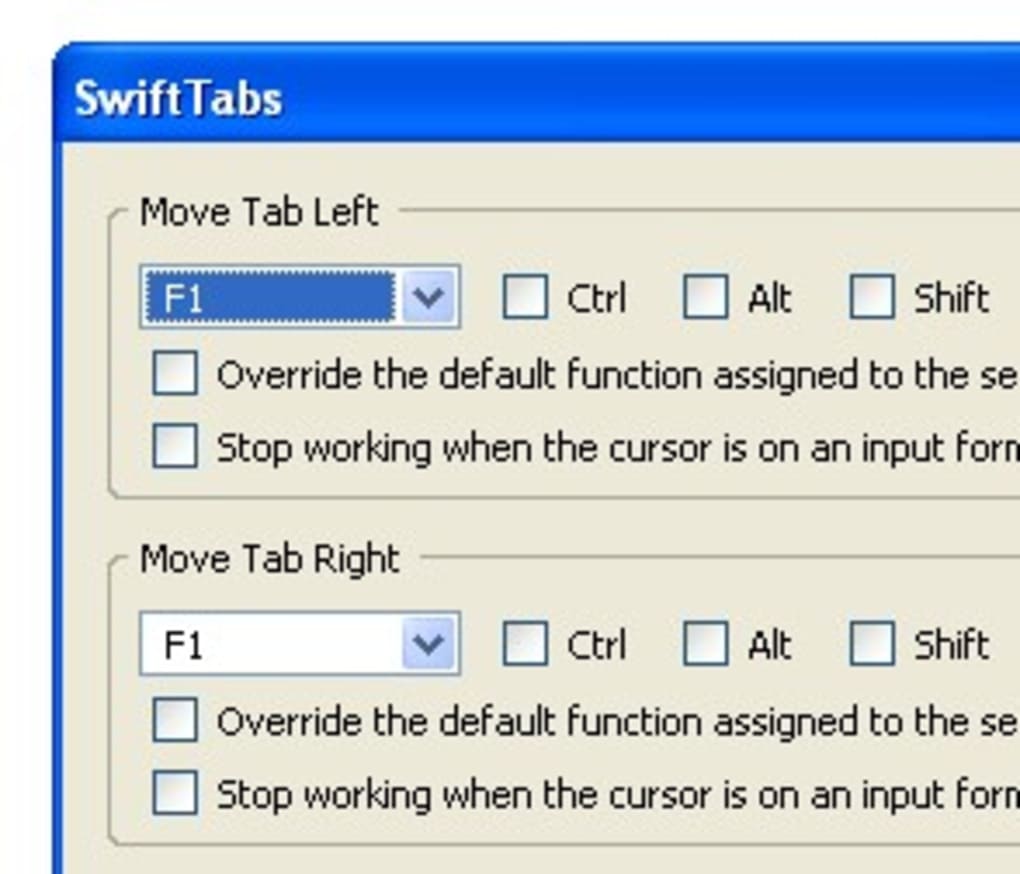
After installation, click the SwiftTabs icon to open the configuration dialog. You’ll see four primary actions: “Move Left,” “Move Right,” “Close Tab,” and “Reopen Closed Tab.” Click the field next to each action, then press the desired key combination. If the combination conflicts with an existing shortcut, a warning appears, allowing you to choose an alternative. Save your changes, and the new shortcuts take effect immediately—no browser restart required.
Using SwiftTabs in daily browsing is as simple as memorizing your chosen combos. For instance, you might set Alt + ← for “Move Left” and Alt + → for “Move Right,” mirroring common media‑player navigation. To close a tab, you could use Ctrl + Q, and to reopen the last closed tab, Ctrl + Shift + Q. Because SwiftTabs respects the order of tabs, these shortcuts work even when you have dozens of tabs open, letting you jump around without losing context.
Should you ever need to revert to the default configuration, the dialog includes a “Reset to Defaults” button. For power users, an “Export Settings” option creates a JSON file you can import on another machine, ensuring a consistent workflow across workstations.
Pros and Cons
Pros
- Fully customizable shortcuts give you complete control over tab navigation.
- Lightweight and does not slow down Firefox.
- Cross‑platform support ensures the same experience on Windows, macOS, and Linux.
- Conflict detection prevents accidental overwriting of essential shortcuts.
- Free, open‑source, and regularly updated through the official Add‑ons store.
Cons
- Requires initial time investment to set up preferred shortcuts.
- May conflict with other extensions that also reassign tab shortcuts.
- Only works within Firefox; not applicable to other browsers.
- Learning curve for users unfamiliar with advanced keyboard shortcuts.
- No mobile version—keyboard shortcuts are irrelevant on touch devices.
Overall, the advantages of SwiftTabs far outweigh its minor drawbacks. The one‑time setup cost is quickly amortized by the productivity gains you’ll experience, especially if you regularly handle many tabs. Even users who initially hesitate to customize shortcuts often find the flexibility empowering once they become accustomed to the workflow.
SwiftTabs transforms Firefox into a truly keyboard‑centric browser. Its intuitive interface and robust conflict handling make it a must‑have for anyone who wants to speed up tab management without sacrificing control.
Conclusion & Call to Action
If you belong to the growing community of keyboard enthusiasts, SwiftTabs is the missing piece that bridges the gap between Firefox’s default shortcuts and a fully personalized tab‑control experience. By allowing you to map any key combination to the most common tab actions, the extension eliminates the need to reach for the mouse, reduces context‑switching time, and keeps you focused on the content that matters. Installation is free, updates are automatic, and the open‑source nature guarantees transparency and continuous improvement.
Ready to boost your browsing efficiency? Download SwiftTabs now from the official Mozilla Add‑ons store, configure your shortcuts, and start navigating your tabs at lightning speed. Join the community of power users who have already made the switch, and experience a smoother, more productive Firefox workflow today.
Frequently Asked Questions
Is SwiftTabs free or does it require a license?
SwiftTabs is completely free. You can download and use it without any payment, and there are no hidden charges or premium tiers.
Can I use SwiftTabs on mobile Firefox?
No. SwiftTabs is built for desktop versions of Firefox where a physical keyboard is available. Mobile Firefox does not support this extension.
Will SwiftTabs interfere with other tab‑related extensions?
SwiftTabs tries to avoid conflicts by warning you if a shortcut you set overlaps with another extension’s shortcut. However, if two extensions attempt to control the same key combination, you’ll need to choose a different mapping.
How do I back up my custom shortcuts?
The configuration dialog includes an “Export Settings” button that creates a JSON file containing all your shortcuts. You can later import this file on another machine to restore your setup.
Is SwiftTabs compatible with the latest Firefox Quantum updates?
Yes. The extension is updated regularly through the Mozilla Add‑ons store and is fully compatible with Firefox Quantum (version 78 and later) on all supported operating systems.







